
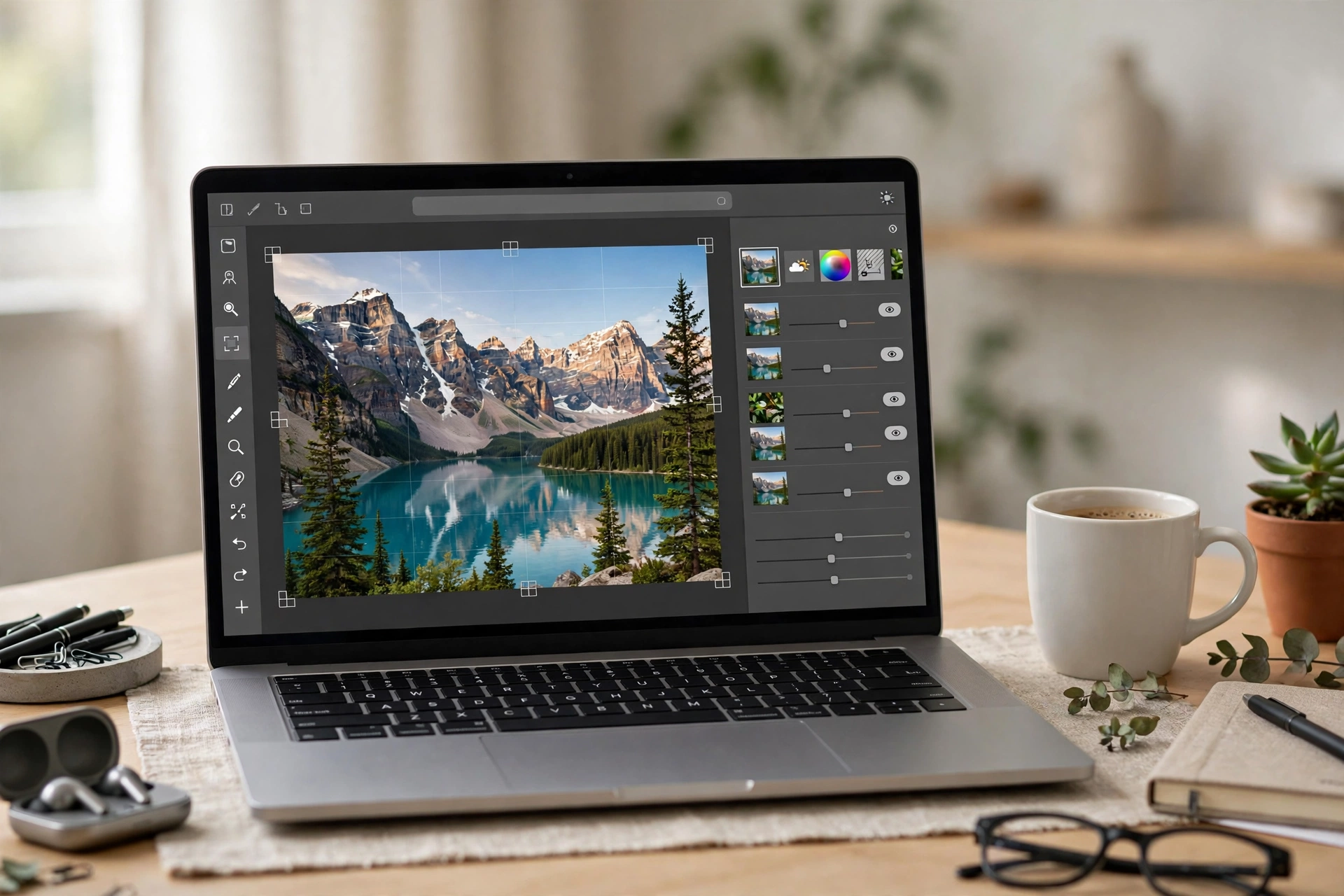
Photoshop costs $22.99 a month on the single-app plan (annual, billed monthly), or $19.99 a month with Lightroom. That is $275.88 a year for a tool many founders open twice a month. The best photoshop alternatives free in a browser are now genuinely usable — no install, no credit card — if you pick the right one and know where its free tier stops.
One hard filter applies: every tool here must run fully in a browser tab. Desktop editors such as GIMP and Krita are excellent — we explain why they are excluded below — but a founder on a borrowed Chromebook should be able to open a link and start editing in under a minute — and the best photoshop alternatives free to use make that possible.
We state each tool’s real free-tier limit instead of calling everything “100% free.” If you are building a startup toolkit on zero budget, see our guide to ChatGPT alternatives.
In this guide
- What “free” really means
- How we tested these 8 tools
- The 8 tools compared
- The 8 tools in detail
- What we deliberately left out — and why
- Which Photoshop alternatives free option should you pick?
- Frequently asked questions
- The bottom line
What “Free” Really Means Among Photoshop Alternatives Free in a Browser
“Free” means four different things, and vendors mix them freely: ads beside the canvas (Photopea, Pixlr); a watermark on every export (Fotor, and Picsart’s free exports reportedly too); a usage cap such as Pixlr’s daily save cap or a small AI credit allowance; or a licence limit, as with Fotor’s personal-use-only free plan. Canva shows the same pattern in reverse: generous templates and storage, but Background Remover needs Pro. Always check the licence, not just the price.
How We Tested These Photoshop Alternatives Free of Charge
Every photoshop alternatives free tool here passed three checks, verified on 19 November 2026: it runs in a browser with nothing to install, it has a real free tier rather than a trial, and it does at least one Photoshop job properly.
The 8 Best Free Photoshop Alternatives That Run in a Browser
Here is the short version:
| Tool | Free tier | The catch | Best for |
|---|---|---|---|
| Photopea | All features free, ads shown | Ads; AI capped at ~1 action a day | Editing real PSD files |
| Pixlr | Full editor free, ads shown | Daily save cap; ~20 AI credits for new users | Quick layered edits |
| Canva | 1.6M+ templates, 5GB, 20 AI uses a month | Background Remover needs Pro | Templates, social posts |
| Adobe Express | 100,000+ templates, 5GB, daily AI generations | Background removal needs Premium ($9.99/mo) | Adobe templates, fonts |
| Fotor | Basic editing free | Watermarked exports, personal use only | Trying AI tools |
| BeFunky | Basic edits free, no watermark on basic exports | Background removal needs Plus ($14.99/mo) | Collages, effects |
| Polarr | Core adjustments, basic presets free | Masks and batch export are paid; Pro $7.99/mo | Phone photos, colour |
| Picsart | Basic editing free | Scarce free AI credits; watermark reported | Stickers, social content |
1. Photopea — The Closest Thing to Photoshop in a Tab
Photopea is the strongest of all the photoshop alternatives free in a browser. It is a full layered editor that opens PSD files and saves them back as PSD, layers and masks intact. It also opens GIMP XCF, Sketch, Adobe XD, Affinity Photo and many RAW files. Every feature is free at photopea.com, with no account and no watermark on exports, and files stay on your device.
The cost is screen space: the free version shows ads, and AI features run on credits, with roughly one free AI action a day. Premium removes the ads, sold as a one-time pass — from $5 for 30 days.
Choose Photopea if you need to open, edit or convert a real PSD — the first pick among photoshop alternatives free for PSD work. Skip it if you need Adobe’s generative fill quality or CMYK print production.
2. Pixlr — Two Editors, One Tab, No Account
Pixlr is two editors in one tab: Pixlr Editor, with layers, masks and curves, and Pixlr Express, for one-click adjustments and social templates. Both run free at pixlr.com with no account, and exports carry no watermark.
Free limits are ads, a daily cap on free saves (Pixlr does not publish the number) and about 20 AI credits for new users. Plus starts at $1.99 a month on annual billing ($2.49 monthly), removing ads, lifting the save cap and adding 80 AI credits a month. Premium is $7.99 a month on annual billing. Pixlr does not support RAW files.
Choose Pixlr if you want a fast, no-sign-up editor for everyday work — among photoshop alternatives free to open, the quickest to start. Skip it if you shoot RAW or save dozens of images a day.
3. Canva — The Template Library That Happens to Edit Photos
Canva is a design platform first and a photo editor second, but its free plan is generous: 1.6M+ templates, 4.7M+ photos, videos, graphics and audio, 5GB of storage, one Brand Kit limited to three colours, and up to 20 AI uses a month.
The Background Remover is a Pro feature, along with Magic Resize and premium stock. If your main job is cutting products out of backgrounds, Canva Free will frustrate you — Photopea or BeFunky does that job free. Canva works in RGB only, so it is not for colour-critical print work.
Choose Canva if your photo editing lives inside social posts and marketing graphics. Skip it if background removal or layered compositing is your main job.
4. Adobe Express — Adobe’s Own Free Browser Editor
Adobe Express is Adobe’s free browser app for quick edits and social graphics — the only tool here from Adobe itself. The free plan needs no credit card and includes 100,000+ templates, 1M+ Adobe Stock assets, 4,000+ Adobe Fonts, free daily AI generations, 10 days of version history and 5GB of storage.
Remove background and bulk resize are Premium features at $9.99 a month, with no annual commitment. Note: Photoshop on the web is a separate product with no free version.
Choose Adobe Express if you want Adobe fonts, templates and stock without Adobe prices — the most polished photoshop alternatives free from a major vendor. Skip it if you need background removal or batch resizing on a free plan.
5. Fotor — Capable Editor, Honest Warning Attached
Fotor is a long-running browser editor grown into an AI suite: background removal, enhancement, object removal, filters and collage. Its free Basic plan is a shop window, not a working tool.
Basic editing is free, but exports carry a Fotor watermark, are capped below HD, and are licensed for personal use only. AI credits are limited and unpublished, the enhancer is capped at roughly one use a day, and reviewers report about one free background removal a month. Free storage is 512MB, creations are deleted after 30 days, and Pro removes the watermark and unlocks HD export for $8.99 a month, or $3.33 a month billed annually.
Choose Fotor if you want to try its AI tools before deciding whether to pay. Skip it if you need clean exports for business use without paying — among photoshop alternatives free of watermarks, Photopea, Pixlr and BeFunky all export clean images free.
6. BeFunky — Collages, Effects and Clean Free Exports
BeFunky has been a web-first creative suite since 2007: photo editor, collage maker and graphic designer in one tab. Its standout is artistic: one-click effects such as the Cartoonizer, plus solid basic editing and collage layouts.
The free tier is unusually honest for business use: basic editing, limited collage layouts and standard templates are free, ads are shown, and basic free exports carry no watermark. A free account also gets up to 20 AI image generations. That makes BeFunky one of the few photoshop alternatives free for business use.
Background removal, upscaling, retouching and premium effects need Plus: $14.99 a month, or $6.99 billed annually. Batch AI editing needs Pro at $24.99 a month.
Choose BeFunky if you make collages or stylised images and want watermark-free exports from photoshop alternatives free to use. Skip it if background removal or batch editing is central to your workflow.
7. Polarr — Filters and Colour Work, Led by Mobile
Polarr is the most mobile-first tool here, and its strength is colour: fine adjustments for white balance, exposure, contrast, highlights and tint, plus a large library of creator-made filters. It runs on the web, iOS, Android, macOS and Windows, with batch RAW editing in the browser via Polarr Next (beta).
The free plan covers core adjustments and basic presets, and lets you save up to three custom filters for a consistent look. The catch is friction: on mobile, exports and some tools require watching 10- to 30-second ads, and advanced masks, batch export and Pro filters are paid. Lite costs $1.99 a month, or $1 on annual billing; Pro costs $7.99 a month, or $3.99 billed annually ($47.99 a year).
Choose Polarr if your photos start on a phone and your main job is colour and a consistent look. Skip it if you need layered compositing or PSD support — it is not one of the photoshop alternatives free for layered editing.
8. Picsart — Social Editing With a Thin Free Tier
Picsart is one of the largest creative apps in the world, now a full AI suite for photo and video editing and graphic design on the web, iOS, Android and Windows. Its browser editor covers basic editing, stickers and collages.
The free tier is the thinnest on this list. A free account gets basic editing and a small AI allowance — plan data promises 5 AI credits a week, but a reviewer who opened a free account in October 2026 found 0 credits available. Free exports reportedly carry a Picsart watermark, and the free terms grant no clean commercial-use licence — do not use free-tier output for monetised work. Pro costs $15 a month, or $10.50 a month billed annually ($126 a year).
Choose Picsart if you already live in its sticker and template ecosystem and are willing to pay. Skip it if you need a genuinely free editor: among photoshop alternatives free to use, nearly every other tool here gives you more for $0.
What We Deliberately Left Out — and Why
GIMP and Krita are desktop-only. GIMP is free, open source and enormously capable; Krita is a superb free painting editor. Neither runs in a browser — but if you can install software, GIMP is arguably the strongest free Photoshop replacement of all.
PhotoDirector is desktop and mobile, not browser. CyberLink’s free Essential edition is a genuine free download for Windows and macOS, but there is no full browser editor — verified on CyberLink’s own pages.
Photoshop on the web is not free. Adobe’s browser version of Photoshop is real, but Adobe’s own FAQ says there is no free version: web access comes with any paid Photoshop plan. A $22.99-a-month tool is not among the photoshop alternatives free to use.
Which Photoshop Alternatives Free Option Should You Pick?
The right answer depends on the job, not on a ranking of photoshop alternatives free. Real PSD file: open Photopea. Daily social photos: Pixlr or Canva. Background removal without paying: Photopea on its free tier, or BeFunky with 20 free AI generations; Canva and Adobe Express lock it behind Pro and Premium. Collages or stylised art: BeFunky. Phone photos and colour: Polarr — its Pro plan is the cheapest paid upgrade here, $3.99 a month on annual billing. Clean exports for client work, free: Photopea, Pixlr or BeFunky.
Keep your originals, and read our guide to startup credits before building a business on free tiers.
Frequently Asked Questions
Is there really a free Photoshop alternative that runs in a browser?
Yes. Photopea is the strongest example: a full layered editor that opens and saves PSD files, free in any browser with no account and no watermark on exports, supported by ads. Both it and Pixlr are genuinely usable photoshop alternatives free in a browser, not trials.
Are free browser photo editors safe for commercial work?
It depends on the licence. Photopea’s terms allow free use for any purpose, and BeFunky puts no watermark on basic free exports. Fotor’s free plan is licensed for personal use only and watermarks exports, and Picsart’s free terms grant no clean commercial licence. Check the licence first.
Can a browser editor really replace Photoshop?
For most founders, yes — for the jobs they actually do. Cropping, resizing, retouching, background removal, layers, text overlays and social graphics are all covered by photoshop alternatives free in a browser. Photoshop still wins for CMYK print, very large files and professional colour management.
Do I need an account to use these free Photoshop alternatives?
Not always. Photopea, Pixlr and BeFunky’s basic tools work with no account at all. Canva, Adobe Express, Fotor, Polarr and Picsart need a free account to store designs and enforce limits. No tool here asks for a credit card on its free plan — all eight are photoshop alternatives free to try.
What is the best free Photoshop alternative for removing backgrounds?
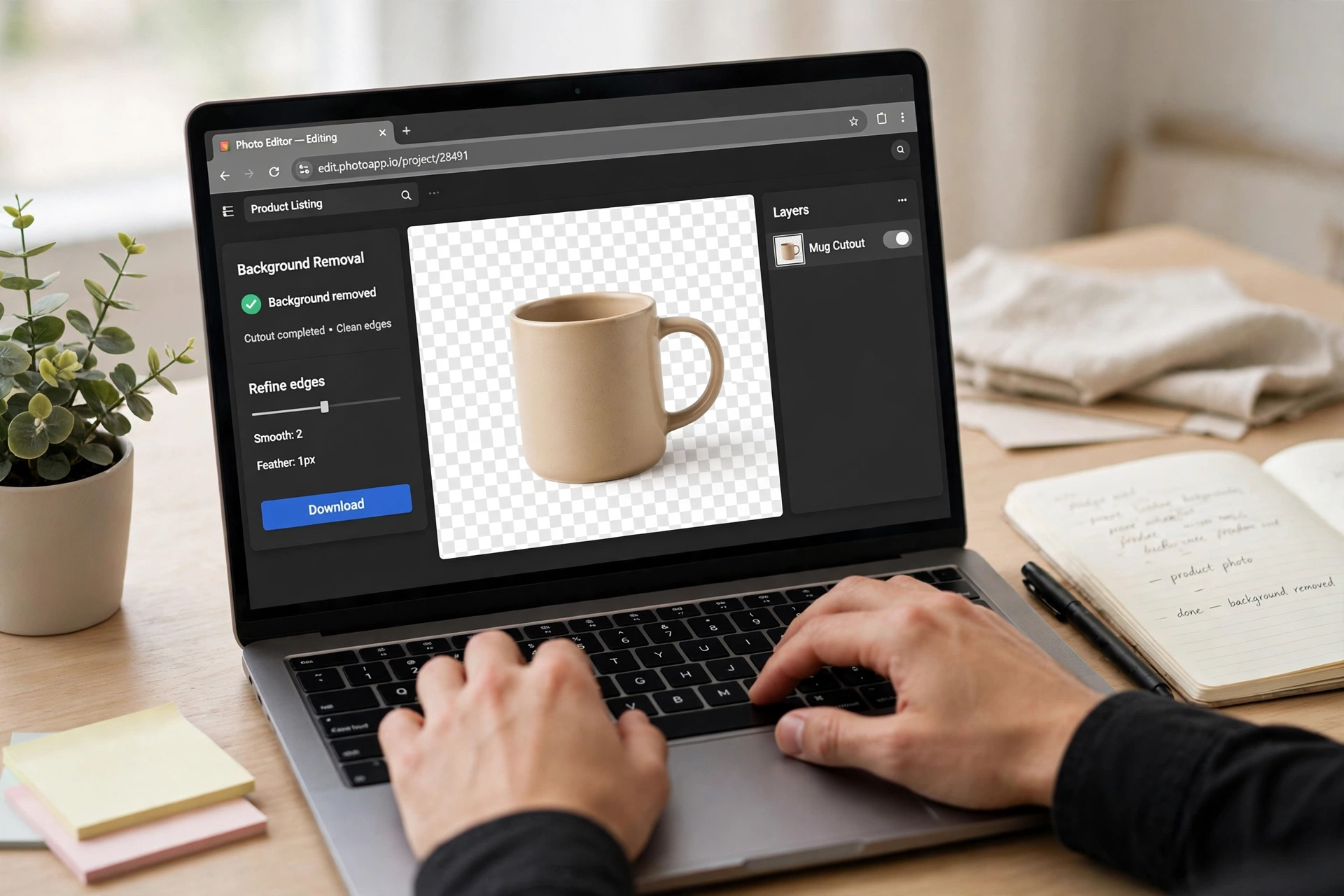
Photopea, limited to roughly one AI action a day on the free tier. BeFunky gives you 20 free AI image generations with a free account. Canva and Adobe Express both lock background removal behind their paid plans.
The Bottom Line
The best photoshop alternatives free in a browser in 2026 are a small toolkit, not one tool: Photopea for layered PSD work, Pixlr for fast everyday edits, Canva or Adobe Express for templated graphics, and BeFunky for collages and clean free exports. Fotor, Polarr and Picsart have their place too — know their limits first.
Start with Photopea: of the photoshop alternatives free here, it costs nothing, needs no account, and handles the widest range of Photoshop jobs. Add one template tool for speed and that pair covers almost everything a founder needs for $0 a month.
Keep going with the rest of your zero-budget stack: our ChatGPT alternatives guide does the same honest comparison for AI chatbots, and our Notion alternatives guide does it for notes and wikis.
All prices and free-tier limits are US list prices checked on 19 November 2026. Confirm the current limits on each vendor’s official pricing page before committing to a workflow.
2 thoughts on “8 Best Photoshop Alternatives Free to Use in a Browser (2026)”