

If you are wondering how to get AWS credits for startups, the answer is AWS Activate — Amazon’s official programme that hands early-stage companies free cloud credits instead of a bill. Self-funded founders can start with $1,000, and investor-backed startups can receive up to $200,000 through the Portfolio package.
The two packages work very differently, though. Apply to the wrong one, or before your startup is ready, and you can waste weeks — or lose credits to expiry before you use them. This guide covers both packages, the real eligibility rules, and the exact steps, so you can claim the credits you qualify for.
If you are comparing cloud credit programmes more broadly, start with our overview of startup credits before you apply anywhere.
In this guide
- What AWS Activate Is
- Activate Founders vs Activate Portfolio: What’s the Difference?
- Eligibility Requirements
- How to Get AWS Credits for Startups: Step-by-Step Application
- What to Do After Approval
- How to Maximise Your AWS Activate Credits
- Frequently Asked Questions
- Verdict
What AWS Activate Is
AWS Activate is Amazon Web Services’ startup programme. It gives eligible startups promotional credits that are applied automatically to their AWS bill, covering more than 200 eligible services — including compute (EC2), storage (S3), databases, and AI tools such as Amazon Bedrock.
Credits are not cash, and they cannot be transferred, sold, or refunded. They simply reduce what you owe AWS until they run out or expire. That makes them genuinely valuable for a young company: your first year of hosting, databases, and AI experiments can cost close to nothing if you plan around the credits.
Activate also bundles technical guidance, training resources, and partner offers — but the credits are why most founders apply, so this guide focuses on them. That is why founders search for how to get AWS credits for startups.
One important detail: AWS expects you to be new to Activate Credits, or requesting more than you already received. You cannot re-apply for the same tier and expect a fresh $1,000 — apply when you have work ready to run, not months before you need it.
Activate Founders vs Activate Portfolio: What’s the Difference?
There are two main ways to get AWS credits for startups, and which one fits you depends on one question: is your startup backed by an AWS Activate Provider?
An Activate Provider is an accelerator, incubator, angel investor group, or venture capital firm that has partnered with AWS. Examples named by AWS include Y Combinator, Andreessen Horowitz, Sequoia, and Greylock. If one of them backs you, they give you an Organization ID (Org ID) that unlocks the Portfolio package. If nobody backs you yet, the Founders package is your route.
| Activate Founders | Activate Portfolio | |
|---|---|---|
| Credit amount | Starts at $1,000; select participants may qualify for up to $5,000 | Up to $200,000 |
| Who qualifies | Self-funded / bootstrapped startups with no Activate Provider | Pre-Series B startups backed by an Activate Provider |
| How to apply | Apply directly, on your own | Apply with your provider’s Org ID |
| Expiry | Usually 1–2 years, depending on the package | Usually 1–2 years, depending on the package |
| What you get besides credits | Basic technical guidance and training resources | Larger credit pool, plus business support and training |
| Funding-stage limit | Pre-Series B (up to and including Series A) | Pre-Series B (up to and including Series A) |
The Founders figure is the one most guides get wrong. AWS does not promise every self-funded startup $5,000: you start with $1,000, and select participants may qualify for more, up to $5,000, over time. Treat $1,000 as your planning number.
The Portfolio figure is a ceiling, not a default. Most startups receive an amount set by their provider’s package, not the full $200,000.
There is also a third, invite-only tier — AWS Credits for AI Startups — offering $200,000 or more to AI startups that have already scaled beyond Portfolio. You reach it through an AWS account manager, not through a public application, so it is outside the scope of this guide.
Eligibility Requirements
Before you apply, check every rule below — knowing how to get AWS credits for startups starts with knowing what disqualifies you. AWS lists these as rejection reasons in its Activate FAQ, so failing one of them is the most common way applications get turned down.
Your startup must be pre-Series B. AWS describes eligibility as open to startups “up to and including Series A”. Rounds beyond Series A, and private equity rounds, are declined. If you have already raised a Series B, Activate is closed to you.
Your startup must have been founded within the last 10 years. This is a hard rule for both packages. A company older than ten years is not eligible, no matter how small it is.
You need a functioning website or public profile. AWS lists “no functioning website” as a rejection reason. A landing page that explains what your product does is enough — but a blank domain or a “coming soon” page is not. Without one, learning how to get AWS credits for startups stops here.
Your AWS account must be on the Paid plan. This catches many new founders. New AWS accounts now start on a six-month Free plan, and accounts on the Free plan are not eligible for Activate credits. You must switch the account to a paid plan (the standard pay-as-you-go plan) before applying. You will not be charged while your credits cover your usage.
You must apply from a business email on your own domain. AWS lists a mismatch between the email on your application and the email on your AWS account as a rejection reason. Use [email protected], not a personal Gmail address.
For Portfolio: apply within 12 months of your latest funding round. If your last round closed more than a year ago, talk to your Activate Provider first — the Org ID route may no longer be open to you.
For Portfolio: you need an Org ID from an Activate Provider. Without it, there is no Portfolio application. Ask your accelerator or investor whether they are an Activate Provider and request the Org ID before you start.
Two old limits no longer appear on AWS’s current pages: a “fewer than 10 employees” rule and an “under $1M revenue” rule. Do not assume they exist.
How to Get AWS Credits for Startups: Step-by-Step Application
AWS’s own credits page lays out the application in four steps. Here is what each one involves in practice. Each step below shows how to get AWS credits for startups in practice.
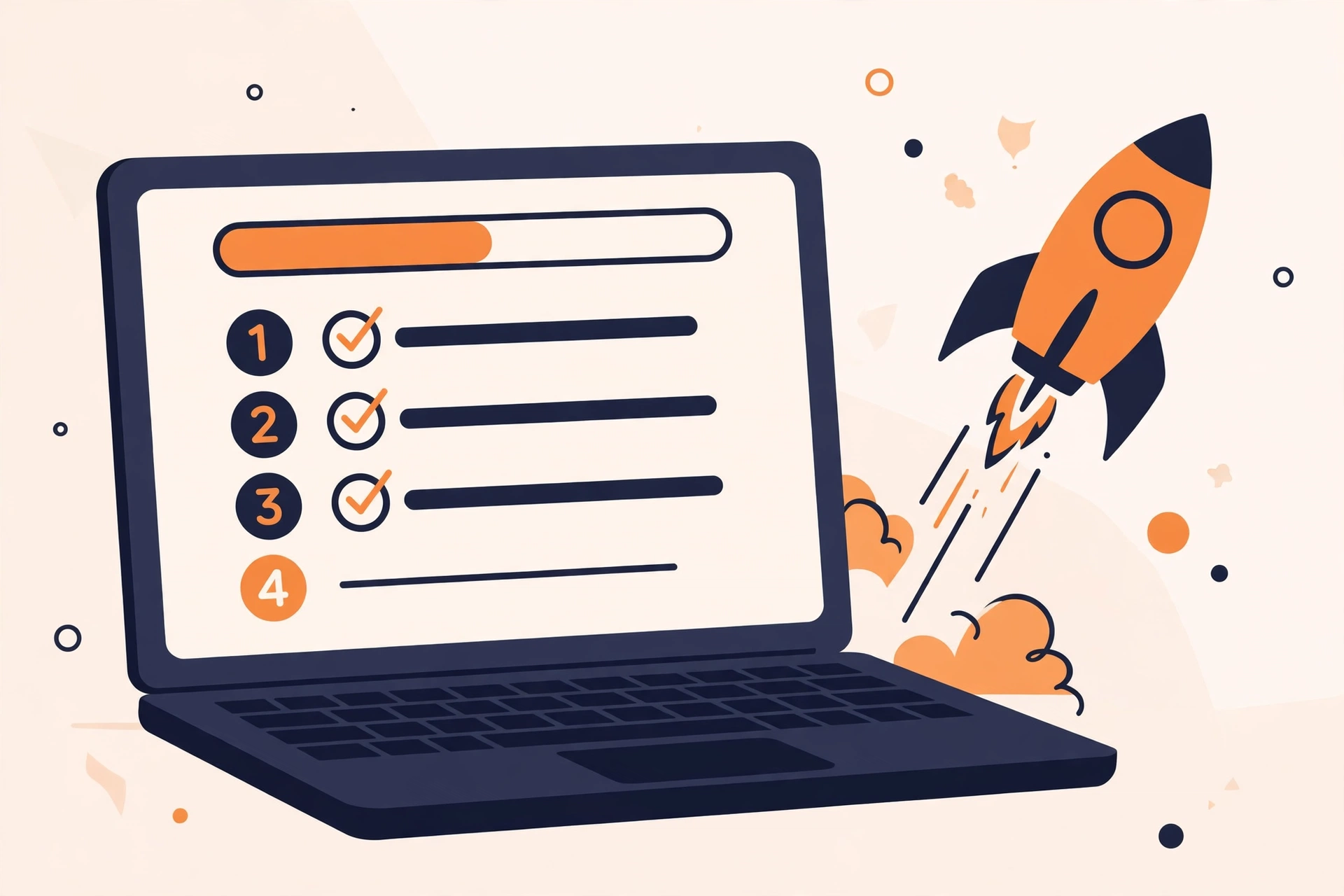
Step 1: Create your AWS Builder ID. Go to aws.amazon.com/activate and create a Builder ID with your professional email address, or sign in if you already have one. Once your email is verified, complete your profile. Your Builder ID is your identity in the AWS startups programme — it is separate from your AWS account.
Step 2: Create or link your AWS account — and switch it to the Paid plan. If you do not have an AWS account yet, create one now. Then make sure it is on the Paid plan, not the Free plan. This is the step most founders miss, and it is the easiest rejection to avoid. Add a payment method; AWS uses it only if your usage exceeds your credits.
Step 3: Choose your credit tier. Self-funded? Apply for Activate Founders. Backed by a VC or accelerator? Get their Org ID and apply for Activate Portfolio — applying to Founders instead would leave up to $199,000 on the table.
Step 4: Tell AWS about your startup. AWS asks for details about your product, funding stage, and company profile to confirm eligibility. Prepare these before you start: your website URL, founding date, funding stage and most recent round date, a short description of what you build, and — for Portfolio — your provider’s Org ID. Every detail must match your website and AWS account; inconsistent business information is a listed rejection reason.
Step 5: Submit and wait. Link your AWS account to your Builder ID and submit. AWS says you will hear back within 5–10 business days. If you are approved, your credits and their expiry date appear in the AWS Billing and Cost Management console, under Credits.
If you are rejected, read the reason before re-applying. Fixable causes are usually a Free-plan account, a missing website, or an email mismatch. A funding stage beyond Series A is not fixable — Activate is simply closed to your company then.
What to Do After Approval
Approval is the easy part. Using the credits well is where the value is.

Check your expiry date immediately. Credits usually expire within 1–2 years depending on the package, and the exact date shows in the Billing console. The Activate team cannot extend the expiry date — AWS’s FAQ is explicit about this — and expired credits are never refunded. AWS emails reminders 60 and 30 days before expiry, but do not rely on email alone. Knowing how to get AWS credits for startups only helps if you use them in time.
Confirm which services your credits cover. Credits apply automatically across more than 200 eligible services, including EC2, S3, and Amazon Bedrock. Some services and third-party marketplace purchases are excluded, so check the eligible-services list in the console before you commit to an architecture.
Set up billing alerts on day one. In the AWS console, go to Billing, then Budgets, and create alerts at 50%, 75%, and 100% of your expected credit usage. AWS also emails you at 75% and 100% used. When credits run out, normal AWS billing starts immediately — never be surprised by it.
Move your real workload onto AWS now. Credits start expiring the moment they are issued, so the worst strategy is to claim them and then spend three months deciding what to build. If your website already runs elsewhere, this is the moment to migrate it. If you run WordPress, our guide to the best WordPress hosting explains what a well-run WordPress setup looks like — and a $1,000 credit balance covers a serious amount of hosting while you grow.
Keep records. Save your approval email, credit amount, and expiry date somewhere your whole team can see them — lost credit information is a common and expensive mistake when a founder leaves or an account changes hands.
How to Maximise Your AWS Activate Credits
A $1,000 or even $200,000 credit balance disappears fast if you treat AWS like an unlimited resource. Once you know how to get AWS credits for startups, the next skill is making them last — and these are the traps that burn credits first.
Idle resources are the biggest leak. An EC2 instance you forgot to stop charges you every hour, credits or not. Audit your running instances weekly, and shut down anything not serving traffic or a real workload.
Pick the right region. Data transfer between regions, and out to the internet, is one of the least obvious costs on AWS. Keep your services in a single region close to your users, and avoid cross-region traffic.
Right-size before you scale. Start with the smallest instance that handles your load, then scale up when monitoring proves you need it. Over-provisioning “just in case” is the fastest way to burn a Founders grant.
Use the Free Tier alongside your credits. Many AWS services include a free tier that runs independently of your credits. Design your stack to use it where it fits, and save credits for the services that actually cost money. That is part of knowing how to get AWS credits for startups to last longer.
Track spend weekly, not monthly. A five-minute weekly check in Cost Explorer shows which service is eating your balance while you still have time to fix it.
If you are running a content site or a WordPress project on your credits, the same discipline applies to hosting choices. Our guide to the cheapest WordPress hosting shows how far a small budget goes when the setup is right — and that mindset is exactly what makes $1,000 in AWS credits last.
Frequently Asked Questions
How much are AWS Activate credits worth?
Activate Founders starts at $1,000, with select participants qualifying for up to $5,000 over time. Activate Portfolio offers up to $200,000 for startups backed by an Activate Provider. An invite-only AI tier offers $200,000 or more.
How long do AWS Activate credits last?
AWS says credits usually expire within 1–2 years depending on the package. The exact expiry date is shown with your balance in the AWS Billing and Cost Management console. The Activate team cannot extend the date, and expired credits are not refunded.
Can I apply for AWS Activate without funding?
Yes. Activate Founders is designed for self-funded and bootstrapped startups. You apply directly, with no investor or accelerator involved. You still need to be pre-Series B, founded within the last 10 years, and have a functioning website and an AWS account on the Paid plan. In short, you do not need funding to learn how to get AWS credits for startups.
What can I spend AWS Activate credits on?
Credits apply automatically to your AWS bill across more than 200 eligible services, including EC2, S3, databases, and Amazon Bedrock. Some services and third-party marketplace purchases are excluded, so confirm eligibility in the console for anything unusual.
Why was my AWS Activate application rejected?
The reasons AWS lists most often are a funding round beyond Series A (or a private equity round), a company founded more than 10 years ago, no functioning website, an AWS account still on the Free plan, an email that does not match the AWS account, and inconsistent business information. Fix the fixable ones and re-apply.
Can I get AWS Activate credits twice?
Not for the same tier at the same value. AWS expects applicants to be new to Activate Credits or to be requesting more than they have previously received — for example, moving from Founders to Portfolio after raising a round with an Activate Provider.
Verdict
Learning how to get AWS credits for startups comes down to one decision: Founders or Portfolio. If you are self-funded, apply for Founders and plan around $1,000. If an accelerator or VC backs you, get their Org ID and apply for Portfolio — the ceiling is $200,000, and the difference is worth the extra step.
Either way, apply only when you have work ready to run, keep your account on the Paid plan, and watch your expiry date from day one. Credits that expire unused are the most expensive kind of free money. You now know how to get AWS credits for startups and how to avoid wasting them.
For a broader comparison of every credit programme worth applying to, see our guide to startup credits. And if you want to put your credits to work on a real site, start with our best WordPress hosting guide.
Figures in this guide were checked against AWS’s own Activate pages on 19 November 2026. Credit amounts, eligibility rules, and terms change — confirm the current details at aws.amazon.com/activate before you apply.
2 thoughts on “How to Get AWS Activate Credits: Step-by-Step (Portfolio vs Founders Package)”